No products in the cart.

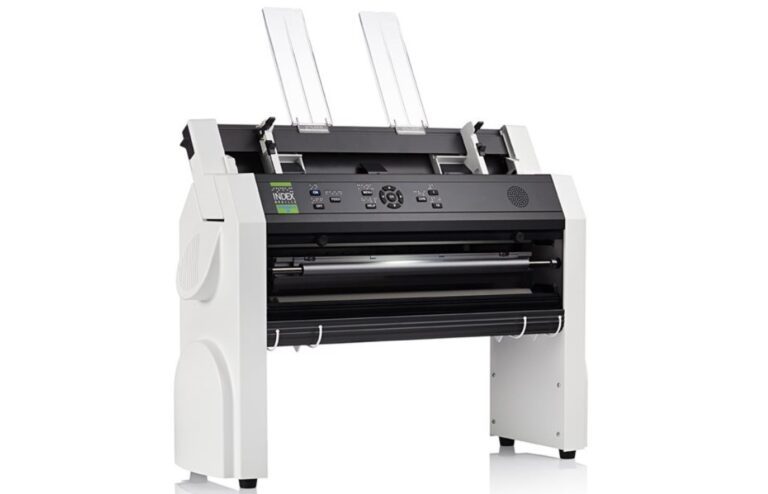

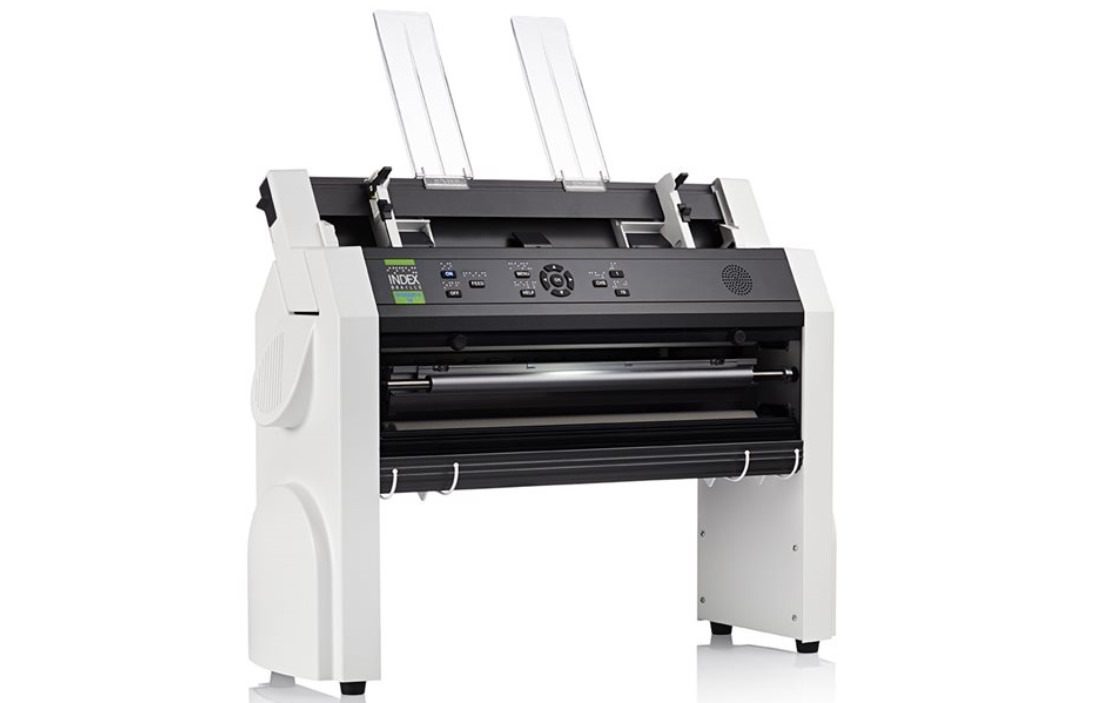
Everest-D is the most popular sheet-fed Braille embosser in the world, since 1992. It is a stable printer, supporting heavy braille printing.
Category: Braille Embossers and Accessories
Cut-sheet fed braille embosser
Horizontal & Vertical printing
Floating page
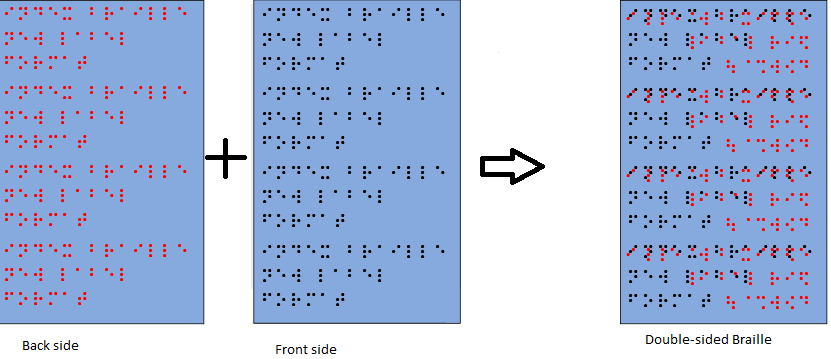
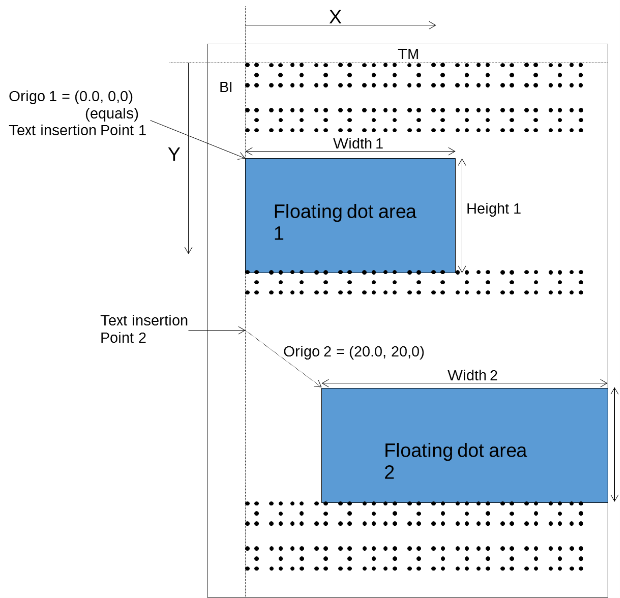
A floating dot area is a user defined area on a page that is composed of a set of braille dots. The floating dot area can either define an entire page or it can define a part of a page which can be interspersed among ordinary braille text.
When embossing traditional double-sided braille the Floating Dot page automatically creates the Braille dots between one another on both sides of the page so that no two dots merge.
Booklet Format
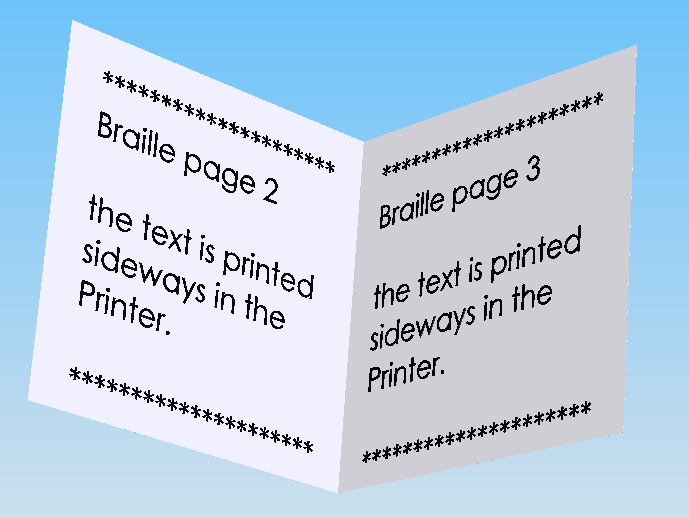
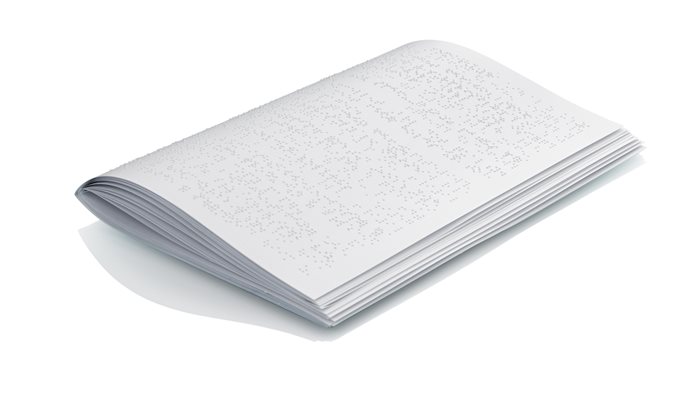
The Everest-D V5 supports booklet format (saddle-stitch binding). This printing mode enables users to easily produce braille books and other lengthier documents using cut-sheet paper.
When printing in booklet format, the printer is loaded with A3 size paper (or Tabloid) and embosses vertically (or sideways) on the page in A4 (or Letter) size pages with a folding line down the center of the paper. Each Braille page is automatically embossed in page order, once the document is completed, users simply must fold along the folding line. It’s that easy, done automatically.
Tactile Graphics
When embossing graphics with an Index V5 embosser the Floating Dot Page concept with mixed text is supported. This means that you may create and emboss tactile graphics and text on the same page. The text is often useful to use as a description of the graphic(s) included.
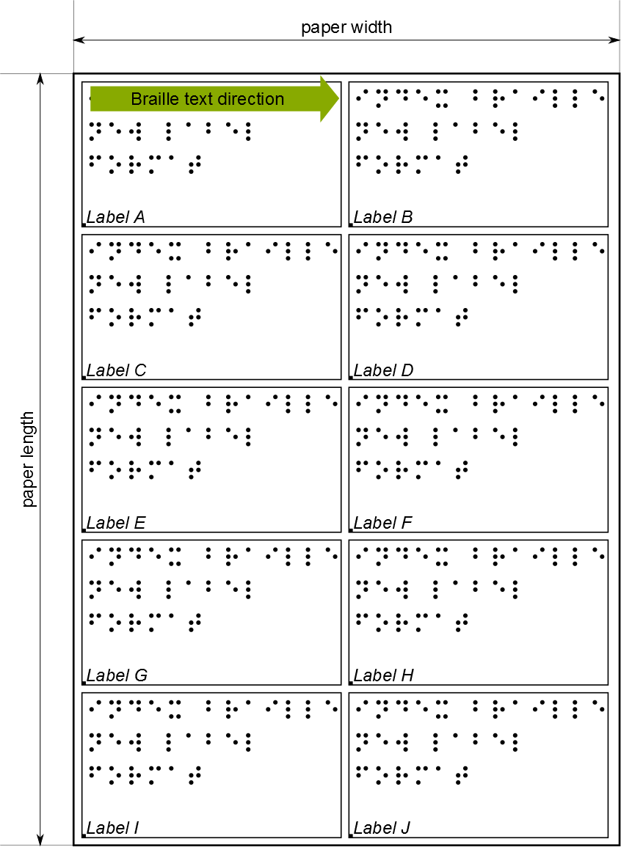
Braille Labels
Today there are many different types of paper available which can create an extra challenge for creating Braille labels and thus parameters. However, when using the powerful technique; Esc-D format, you can temporarily define paper definitions to the paper and label sizes being used.
Braille labels can be embossed double-sided.