No products in the cart.

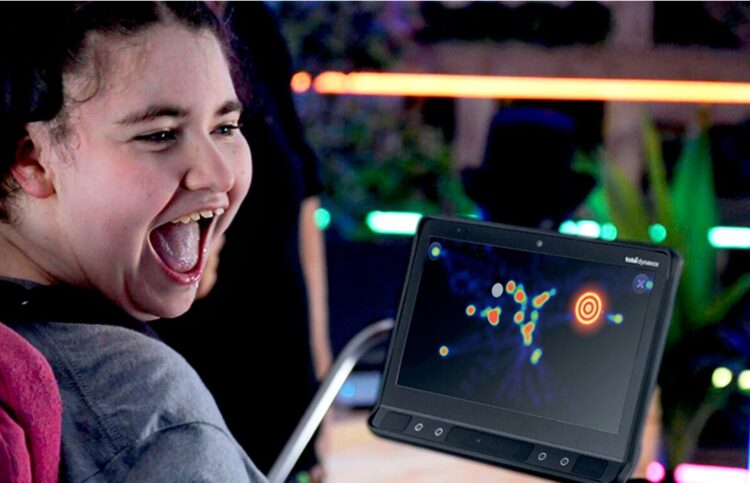


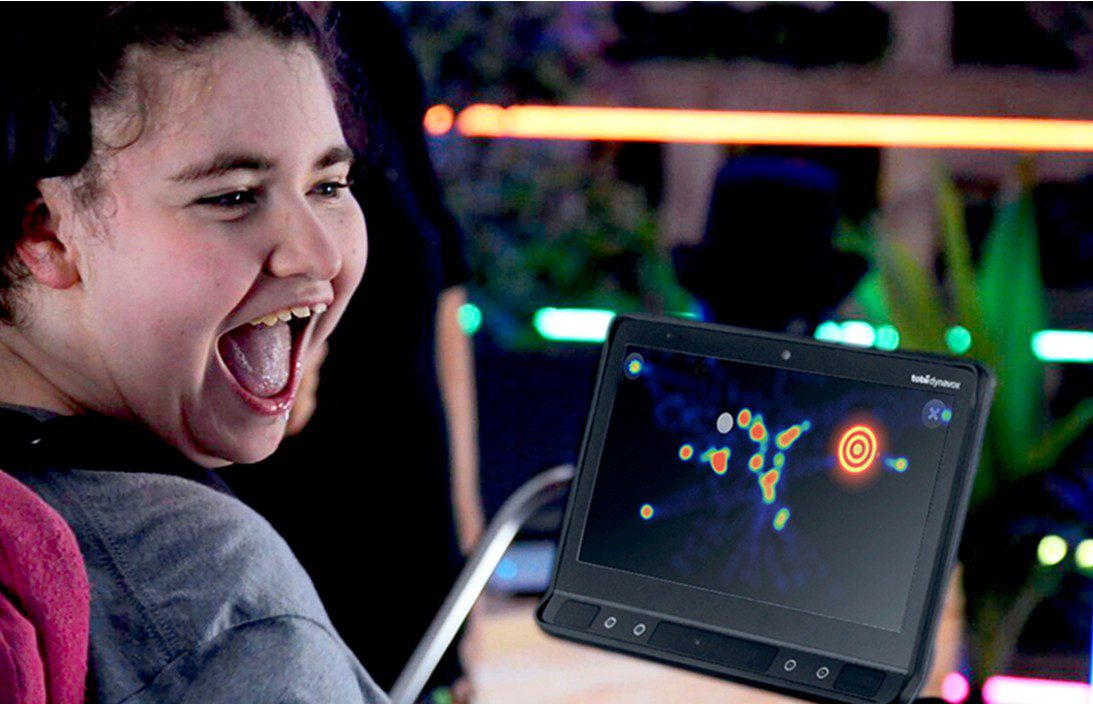
Sensory Guru Eye FX is a fun and accessible entry point for developing access, communication and interaction skills.
It’s an interactive training and assessment software that helps people:
- Learn how to control a computer using their eyes
- Build communication and access skills
- Improve cause-and-effect understanding and interaction
It’s widely used in:
- Special education schools
- Therapy (OT, SLT)
- Rehab environments
- AAC / assistive tech setups
5 Levels Of Progression
Progress through five distinct levels, each introducing more advanced modes of gaze interaction:
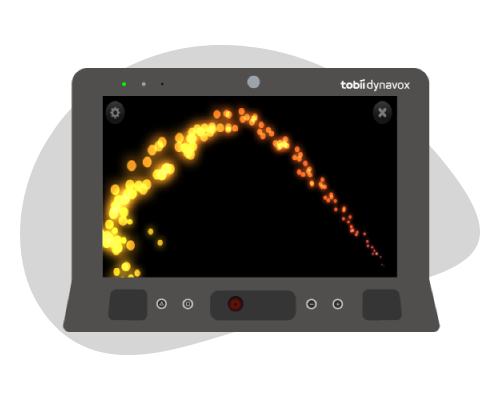
Gaze Response
Explore cause and effect; when you look, something happens!
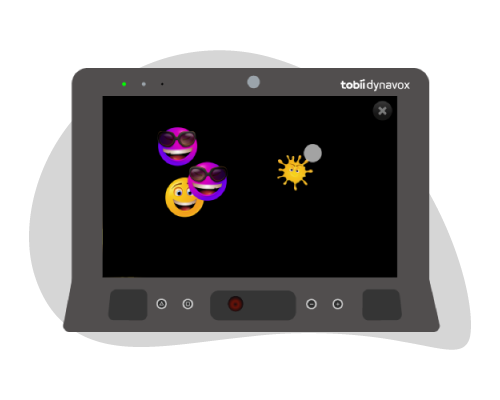
Gaze Interaction
Discover how gaze can trigger responses from on-screen objects.
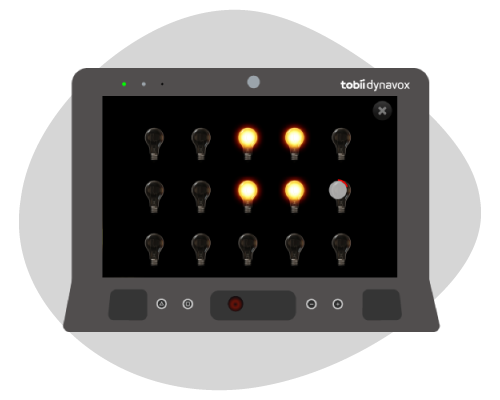
Gaze Region
Enhance visual attention by targeting specific screen areas.
Progress through five distinct levels, each introducing more advanced modes of gaze interaction:
5 Levels Of Progression
Gaze Response
Explore cause and effect; when you look, something happens!
Gaze Interaction
Discover how gaze can trigger responses from on-screen objects.
Gaze Region
Enhance visual attention by targeting specific screen areas.
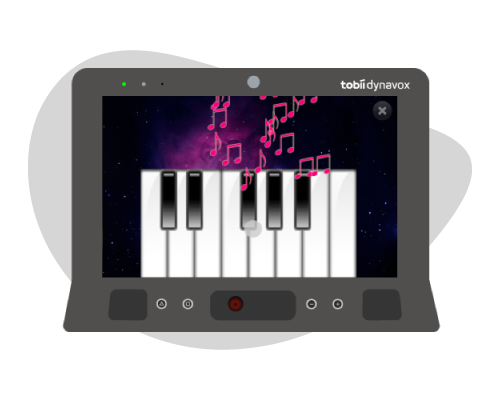
Gaze Exploration
Encourage engagement with a broader screen area.
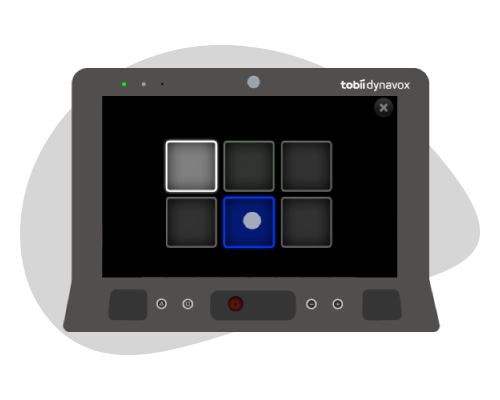
Gaze Control
Achieve greater accuracy and understanding of dwell and switch activation functions.
Gaze Response
Level 1 activities explore cause and effect – when someone looks at the screen, something happens, when they look away it stops. This concept is fundamental to learning gaze interaction.
Gaze Interaction
Level 2 activities introduce methods of gaze interaction such as dwell functions and basic targeting. This teaches greater awareness of how gaze activates a response.
Gaze Regions
Level 3 activities develop the ability to target specific areas of the screen and teach cursor control for greater accuracy – skills needed for calibration.
Gaze Exploration
Level 4 activities develop engagement and motivation with a wider area of the screen through fun eye-controlled activities.
Gaze Control
Level 5 activities can help achieve greater control, a higher degree of accuracy and a more detailed understanding of the dwell and switch activation functions.
Simple & effective
Sensory Guru Eye FX 2 Sofware offers enhanced features to make eye gaze learning, teaching and assessment easier and more accurate.
Easier navigation
The home screen is designed for simple use, allowing easy navigation and selection of common tasks, such as pausing/resuming eye gaze and choosing activities.
More personalisation
More personalisation leads to more engagement. It’s now possible for an eye gaze novice to paint images in Sensory Guru Eye FX 2 Sofware. It’s also possible to add favourite videos to the screen background.
Better insights
More keyboard shortcuts make it easier for clinicians to access and save valuable information. Instantly track and collect evidence of progress within the app without disturbing the person using it. With just one selection, it’s now possible to take and save screenshots or screen recordings, display a heatmap, and adjust dwell time in real-time to be saved for later review.
System Requirements
TD I-Series
Operating System
Windows 10/11
CPU Intel Core 1-5 7200U
Memory (RAM) 8GB
Hard Disk Space
1.8GB installation
Screen Resolution
1920 × 1080 (FHD)
Software
TD Control
Files and Formats
JPEG or PNG
TD Pilot
Operating System
iOS,
Apple M4 Chip
Memory (RAM): 8GB
Hard Disk Space
256 GB
Screen Resolution
1920 × 1080 (FHD)
Software
Assistive Touch
Files and Formats
all formats supported in iOS
Languages
Software languages
Arabic
Chinese
Danish
Dutch
English
Finnish
French
German
Greek
Hebrew
Hindi
Italian
Japanese
Korean
Norwegian
Portuguese
Russian
Spanish
Swedish
Traditional Chinese
Compatibility
TD I-Series
PCEye
TD Pilot
Sensory Guru Eye FX Software Features :-
Sensory Eye FX 2 is packed with valuable features
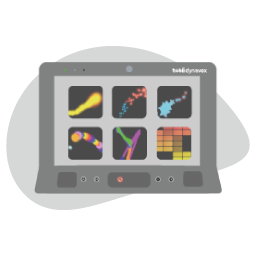
30 Activities
Organised into 5 levels of exploration, users can develop essential eye gaze skills while engaging in fun no-fail activities.
Screen Recording
Effortlessly capture and replay screen videos, while maintaining a log of user progress that can be shared with specialists and loved ones.
Personalisation
Utilise motivating images and content to boost user engagement. Edit backgrounds, videos, and target images for a truly customised experience.
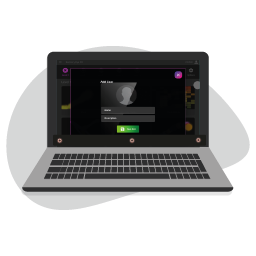
User Profiles
Sensory Guru Eye FX 2 Sofware supports multiple user profiles on a single machine. Edit content, make recording and personalise to individual needs.

Heatmaps
Evaluate user progress by gaining valuable insights into screen coverage and pinpointing preferred areas of interaction.
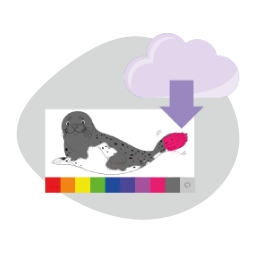
Image Saving
Preserve user-created artwork by saving images and establishing a cherished collection of their artistic masterpieces.
Adjustable Selection
Modify the dwell time within each activity using arrow keys, empowering users to learn and develop at their unique pace.
Frequently Asked Questions about Sensory Guru Eye FX 2
Here are answers to some frequently asked questions about Sensory Guru Eye FX 2, covering its features, compatibility, and how it supports users at the early stages of eye gaze skills development.
1. Does Sensory Guru Eye FX 2 only work with Tobii Dynavox eye trackers?
Sensory Guru Eye FX 2 has been specifically designed and extensively tested for Tobii Dynavox eye trackers, ensuring seamless integration and optimal performance. While the software may technically work with other eye trackers, official support and compatibility are provided only for Tobii Dynavox devices.
2. Is Sensory Eye FX 2 suitable for all ages?
Yes, Sensory Guru Eye FX 2 is designed for users of all ages who are at the beginner stage of using eye gaze technology. Its versatile activities can be easily adapted for use in schools, therapy centres, or at home. The software is used by both young children and older adults with brain injuries, thanks to its highly customisable features, which allow assets to be tailored to suit the needs and preferences of all users.
3. What platforms and devices are compatible with Sensory Guru Eye FX 2?
Sensory Guru Eye FX 2 supports Windows 10/11 and iPadOS (via the TD Pilot). It is compatible with Tobii Dynavox eye trackers, including PCEye 5, I-13, I-16, I-13+, I-16+, and the TD Pilot.
4. Can I buy Sensory Guru Eye FX 2 for iPad on the App Store?
No, Sensory Guru Eye FX 2 is not available for purchase on the App Store. It is a multi-platform licensable floating activation software, exclusively deployed via the Tobii Dynavox MDM for use with the TD Pilot.
5. I have a Sensory Guru Eye FX 1 license code. Can I exchange it for a Sensory Eye FX 2 code?
No, Sensory Guru Eye FX 2 is a completely new software designed for later generation eye trackers. Sensory Guru Eye FX 1 was created to work with the Tobii Gaze Interaction Suite (TGIS) and is only supported on legacy hardware. As such, the licenses are not interchangeable.
6. What is the difference between Magic Eye FX and Sensory Guru Eye FX 2?
Magic Eye FX is designed to be practitioner-led, featuring advanced tools for assessment and activity creation, making it ideal for professionals conducting robust evaluations. In contrast, Sensory Guru Eye FX 2 is tailored for end users and caregiver assistants, such as parents, carers, and partners, offering a simpler and more accessible experience for everyday use.