No products in the cart.


In a sea of assistive technology, Prodigi for Windows distinguishes itself as groundbreaking software that will significantly improve the digital experience of persons with low vision. It features magnification, text-to-speech, and document access. Compatible with Windows devices, it offers you flexibility and ease of installation. The software also supports various document cameras.
In a sea of assistive technology, Prodigi for Windows distinguishes itself as groundbreaking software that will significantly improve the digital experience of persons with low vision. It features magnification, text-to-speech, and document access. Compatible with Windows devices, it offers you flexibility and ease of installation. The software also supports various document cameras.
Experience the freedom to customize your assistive technology setup and transform your digital experience. Ideal for school, work, or personal tasks, Prodigi for Windows will enhance both your productivity and independence.
Seamless integration, along with the “bring your own device” advantage, allows you the flexibility to choose the Windows-based hardware that best suits your needs.
Recognized as industry leaders in low vision assistive technology, HumanWare low vision aids improve the way we work, play and learn.
How does this product change your life?
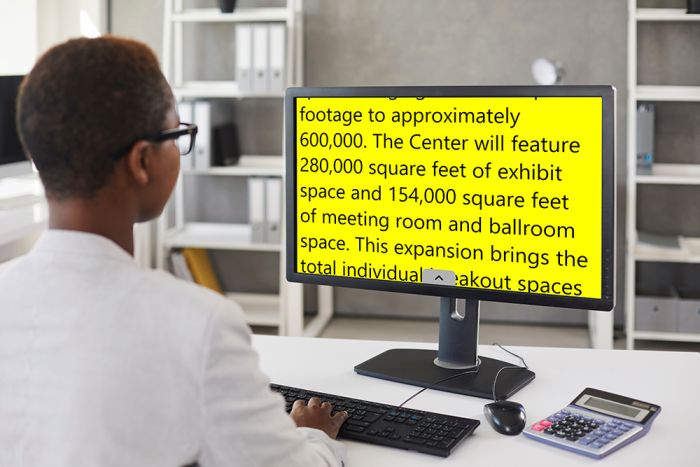
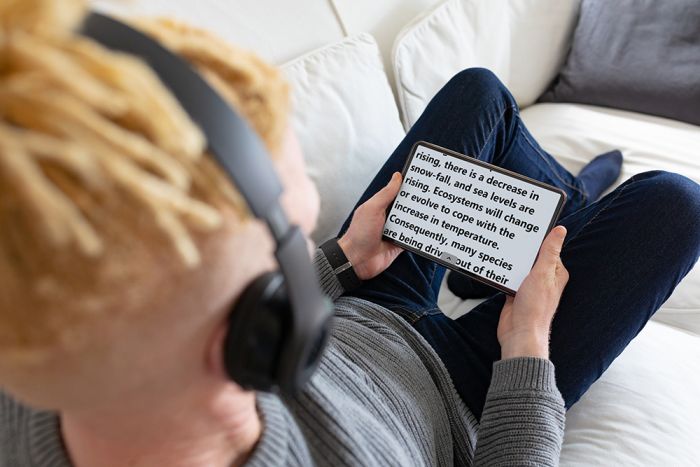
Experience a transformative leap in accessibility. Designed for individuals with low vision, Prodigi for Windows offers essential features like magnification software and text-to-speech software, greatly increasing document access.
What makes Prodigi unique is its flexibility. You can install the software on your existing Windows devices, saving money and utilizing current technology. It supports various document cameras, allowing you to choose the best option for your needs. This flexibility enhances your control and comfort, ensuring a seamless transition from print to more accessible digital environments.
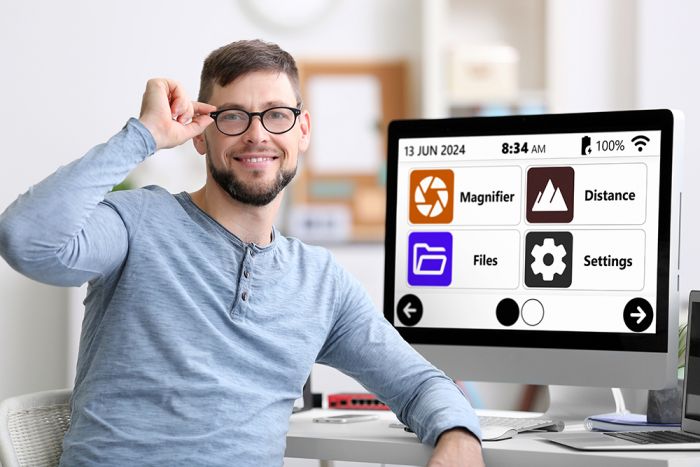
Prodigi for Windows boasts a user-friendly interface alongside powerful tools that improve productivity and boost independence. Whether for education, work, or personal tasks, Prodigi’s features make daily activities more manageable and efficient. Customize your mainstream technology setup and experience improved digital accessibility with Prodigi for Windows.
Specifications
Software Functionalities
- Installable on devices with Windows OS
- Magnification with any connected camera*
- Image capture and auto-rotate
- Optical character recognition (OCR) in 53 languages
- Diamond edge, color, positive, and negative contrasts
- Voices in 18 languages
- Install up to 4 voices at a time
- Customizable: Color schemes (24), contrasts, system fonts
- Mouse, touch, and alternative access ready
- Access to full Windows OS and other installed applications
*Prodigi for Windows is optimized for use with the Solo 8+ from HoverCam; results with other document cameras may vary
Software System Requirements
- Operating System
- Windows 10 or greater
- 64-bit
- Processor: 2.0 GHz i5 dual core or higher processor recommended
- Memory (RAM): 8 GB or more recommended
- Required hard disk space:
- 2 GB with more space required for additional voices.
- SSD drive recommended.
- Video:
- Video/Graphics card with support for DirectX 9 or later with WDDM 1.0 driver.
- 1024×768 display resolution recommended.
- Sound: Windows-compatible sound card (for speech).
Recommended Minimum Document Camera Specifications
- Windows 10 or greater compatibility
- 1280 x 720, or greater
- 30 frames per second
- USB connectivity