No products in the cart.

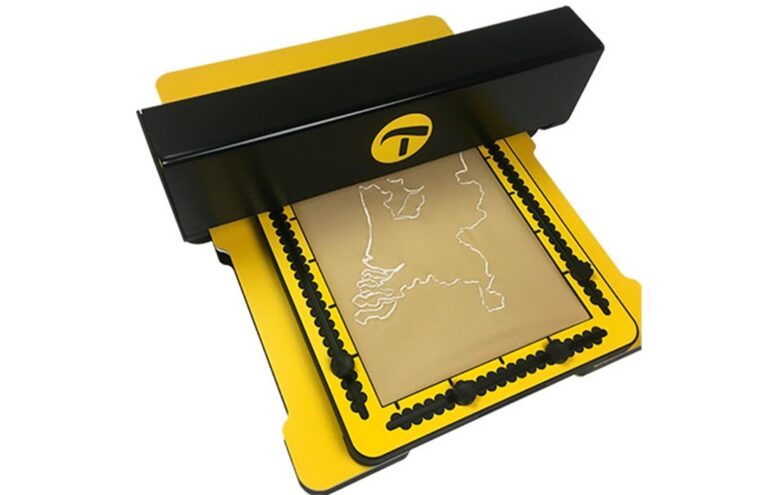

The motorised drawing arm (MDA) is a sophisticated add-on for the TactiPad drawing board. It opens up new use cases for the creation of tactile graphics in educational, professional and recreational settings.
Create adaptable tactile graphics with ease
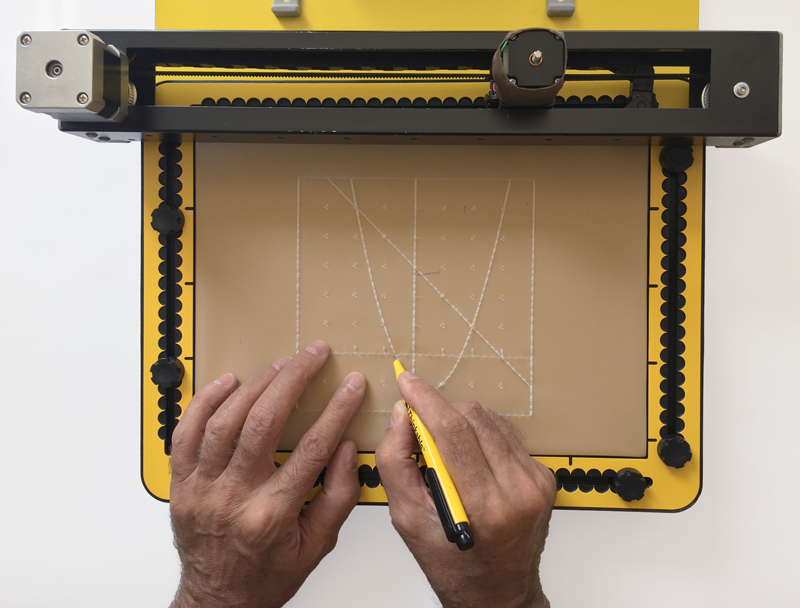
The Motorised Drawing Arm (MDA) by Thinkable is a computer-driven motorised arm that draws tactile graphics by mechanically moving a stylus across the surface of the TactiPad drawing board. It aims to combine the accuracy of the digital tactile graphics from the TactileView software with the versatility of drawing by hand on the TactiPad drawing board.
This versatile product opens up the possibility to explore, understand and enjoy an emerging tactile diagram that develops under your fingertips.
Not just an add-on for TactiPad
The overall understanding is that by manually adding to a raised line drawing, sketched by the MDA, visually impaired users will increase their engagement with tactile graphics, as well as increase their capability to understand and create tactile graphics themselves.
The MDA quickly and accurately creates raised line drawings with its motorised stylus on the TactiPad. Once an image has been sketched, more information can be added manually or by placing the TactiPad back on the MDA to sketch a next layer.
In some cases it’s necessary to have multiple TactiPads with the same image. This can be quite tedious to do by hand, but becomes easy to do with the MDA by repeating the last sketch.
The MDA makes use of the wide spread scalable vector graphics (SVG) file format. A number of SVG files are already stored on the MDA. Additional files can be uploaded or retrieved from an inserted USB-drive.

Examples of applications of the MDA
 Education, schoolwork and exams
A teacher creates a task in which a tactile diagram is involved. This can both serve as a means to provide information and as a template in which the exercise is made. By dividing the exercise into several consecutive steps, tactile graphics become easier to understand and create a dynamic interaction.
- Participate in the classroom by sketching (‘printing’) images from the smartboard or handheld devices on the TactiPad (or multiple TactiPads simultaneously).
- Create a map and add step-by-step topographic or geographic information.
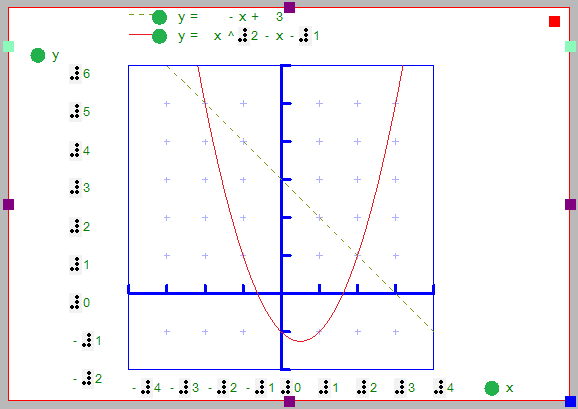
- Study graphs, geometry, physics diagrams, read and process values, etc.
- Use the MDA as a document reader for images in schoolbooks.
 Fun and games
- By allowing you to manually add to a sketched image, a wide range of games and puzzles becomes accessible.
- Print simple designs from the TactileView catalog, such as animals and flowers, as a source for kids to have fun with discovering shapes and drawings.
- Print simple objects and draw a copy to learn the basics of drawing.
- Sketch a partly finished drawing and have it finalised.
- Produce fun drawings with games such as ‘Connect the dots’.
 Professional use
- Produce schemes for work flow, statistical information, graphs etc.
- Use it as an aid for communication with colleagues.
- Sketch the images in textbooks based on the MDA.