No products in the cart.







Welcome to the premier Digital Skills Curriculum portal that covers 21st Century ICT skills whilst integrating classroom content including math, sciences, arts, and more!
What is e-Learner
e-Learner is an ECDL endorsed product which equips candidates with a solid foundation for progressing on to the ECDL / ICDL qualification. It is a certified, modular course of progressive ICT skills utilising courseware Powered
by Computers4Kids. Using a unique and integrated approach, e-Learner provides the means to acquire essential ICT skills across a spectrum of 7 units.

e-Learner Units
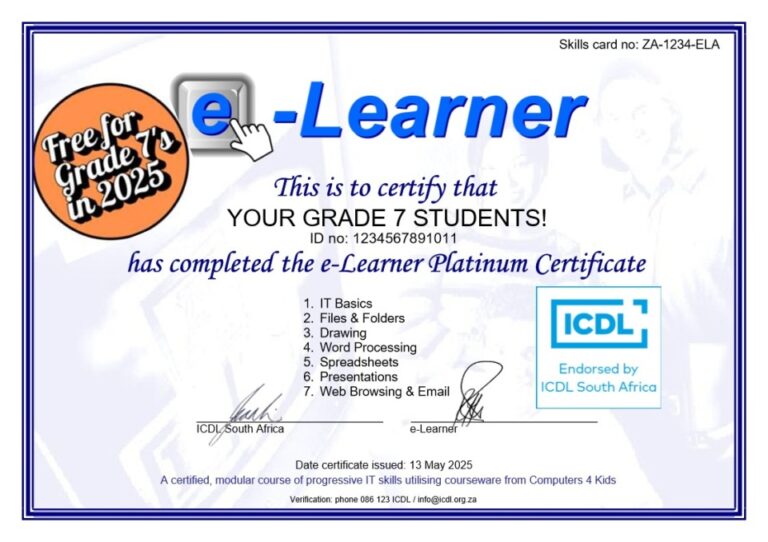
The accredited e-Learner Gold course is made up of 7 units. The e-Learner units are aligned to those which one would encounter in the ECDL / ICDL course thereby acting as a perfect introduction and progressive stepping stone (Gold) to the ECDL / ICDL Core. Units in the e-Learner course are as follows:
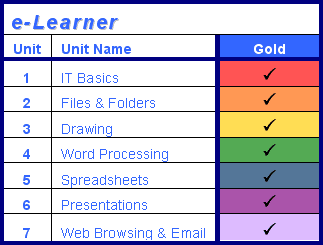
- IT Basics
Identify the difference between hardware and software. Learn to recognise the basic parts of the computer such as the keyboard, mouse and monitor. Basic input and output devices are also covered as well as storage media and safety while using the computer.
- Drawing
A fun unit which covers the basics of a drawing program. Learn how to start, load and save an image and how to competently use the various drawing, text and special effects tools in order to create your personal masterpiece.
- Files and Folders
Learn how to competently utilise the computer including recognising icons, opening and exiting programs and moving between various windows.
Navigate through folders and learn how to store and organise your data correctly.
- Word Processing
Understand how to use a word processing program effectively. Start documents from scratch and successfully insert, format and manipulate text on the page. Organise content within tables and textboxes and insert graphics and images for impact.
- Spreadsheets
Learn how to use the basic functions within a spreadsheet. Enter, format and manipulate data within the cells and use basic formula to complete operations.Insert graphics and images to complement the data.
- Presentations
Use the basic tools of a presentation program to create a slideshow. Insert, format and manipulate text and images on the slides and advance the slides to create a continuous slideshow.
- Web Browsing & Email
Successfully surf the internet and be able to search, locate, navigate and utilise web information. Make use of online facilities such as web-based email and learn how to compose, send, reply and forward email messages including attachments.
Digital Literacy: The Foundation of a Connected World
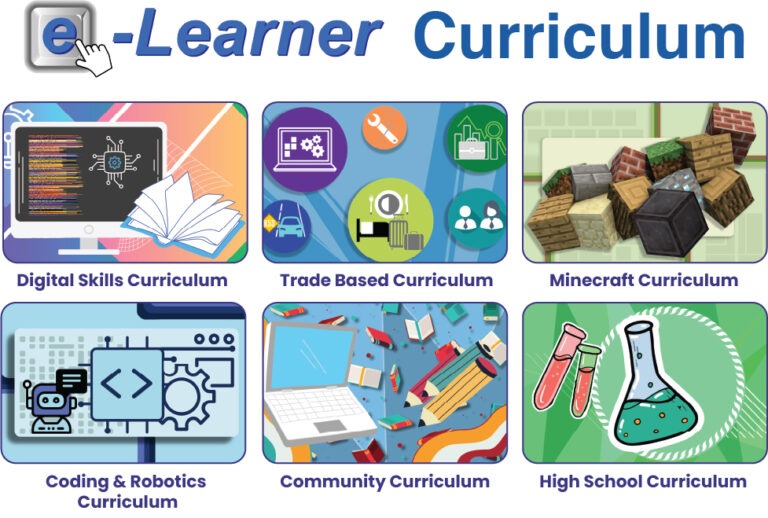
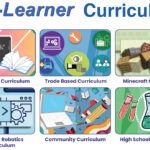
-Coding & Robotics Content
Exciting Coding & Robotics lessons for Grade R-7, aligned to the DBE Framework.
One lesson per week, per grade including all templates and instructions
-Digital Skills Curriculum
21st century digital skills, blended with CAPS aligned content making learning
fun and seamless. Templates are available in English and Afrikaans.
-AI and Minecraft Content
AI lessons and CAPS aligned Minecraft content.
e-Learner Courseware
The courseware for e-Learner is unique in a number of ways:
a) Integrated
The e-Learner lessons not only teach ICT skills but also integrate current content thereby ensuring that lessons are interesting and relevant.
b) Flexible
The Curriculum are not prescriptive about the order or quantity of lessons that you should teach to your candidates. As integration is a key element of our courseware, this should be a priority when selecting a lesson to teach, in conjunction with a concept and ICT skill level suitable for your class. The only requirement is that you should have covered all the prerequisite e-Learner skills for the course you are following.
c) Comprehensive
All the resources required to complete an e-Learner lesson are supplied including templates, saved web pages, website links and graphics. The instruction booklet for facilitators is written in an easy to follow and concise manner with explanatory screenshots to guide you through each step of the lesson.
d) Tracking and Reporting
Records of lessons completed and skills acquired are kept by the facilitator using the e-Learner Administration System. A Skills Record Card is also issued for each candidate on registration and assessments are administered online by the ICT facilitator.

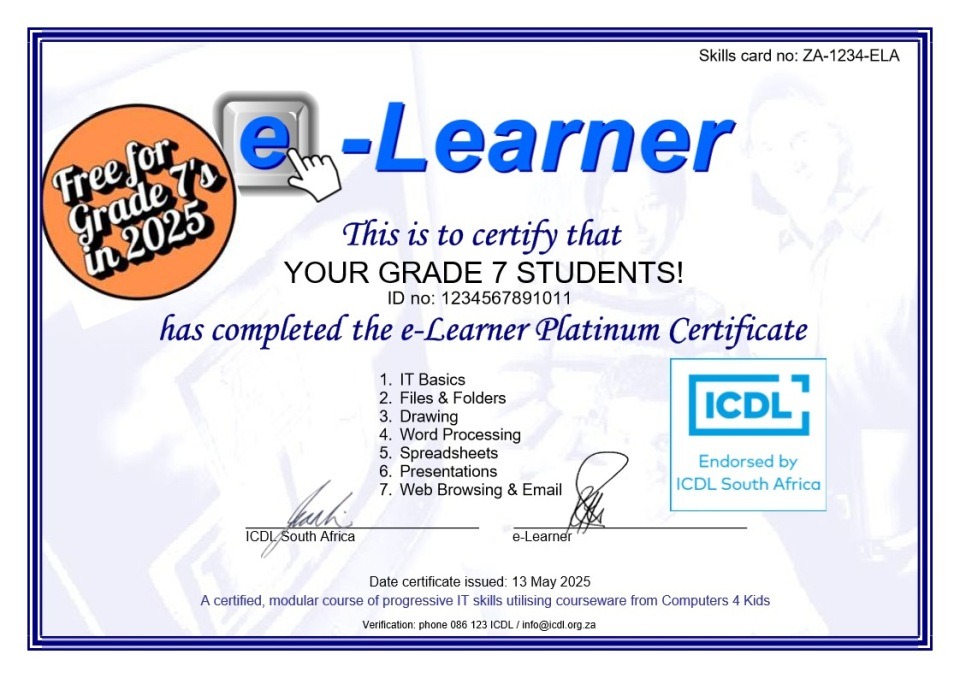
e-Learner Certification
Once the required skills have been completed for all the units, the completed Skills Record Card, together with a copy of the e-Learner Administration System, is forwarded to Head Office. After verification, accredited certificates will be issued for each candidate fulfilling the requirements of the Gold course.